
 01
Upload or describe
Use a body photo to explore placement, or describe the tattoo you have in mind.

Create a custom tattoo from an idea.
Upload a body photo to explore placement.
Try a placement on your arm, wrist
or wherever you imagine it.
JPG, PNG or WebP · up to 10 MB · or drop it here
Local preview first. Nothing is uploaded
until you choose to generate.
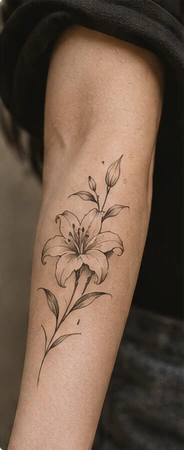
4 illustrative designs · AI concept artwork. Tap one to start from its idea.
A simple 3-step process
01Use a body photo to explore placement, or describe the tattoo you have in mind.
 02
Choose a style and a placement. Refine the details that make it feel like you.
 03
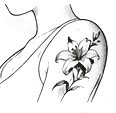
Explore the position and scale, then share your reference with a tattoo artist.
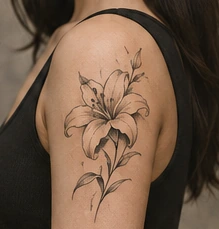
Illustration only · not a customer result
See how a tattoo design could look on you —
from placement to overall style.
Each style has its own generator page with ideas and tips. Traditional is available in the studio.
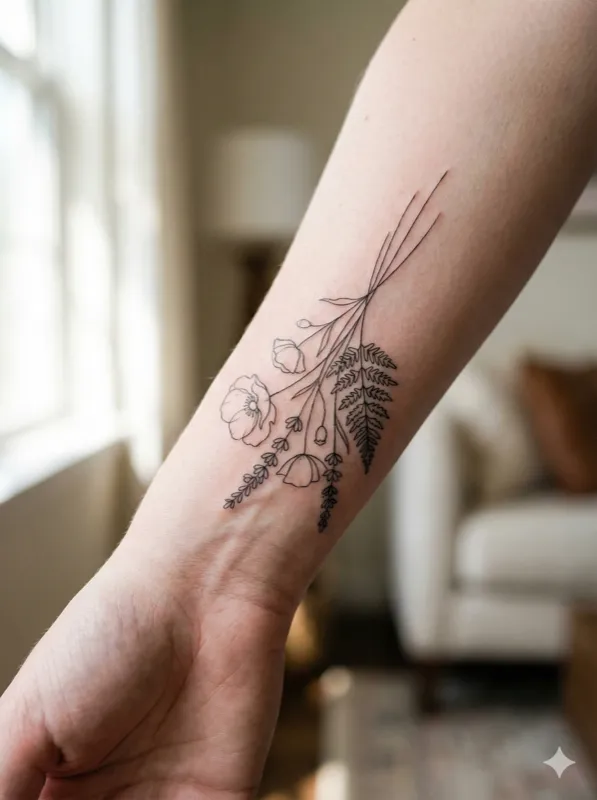
Delicate, thin linework with intricate detail. Botanical, portrait and ornamental designs.
Open generator →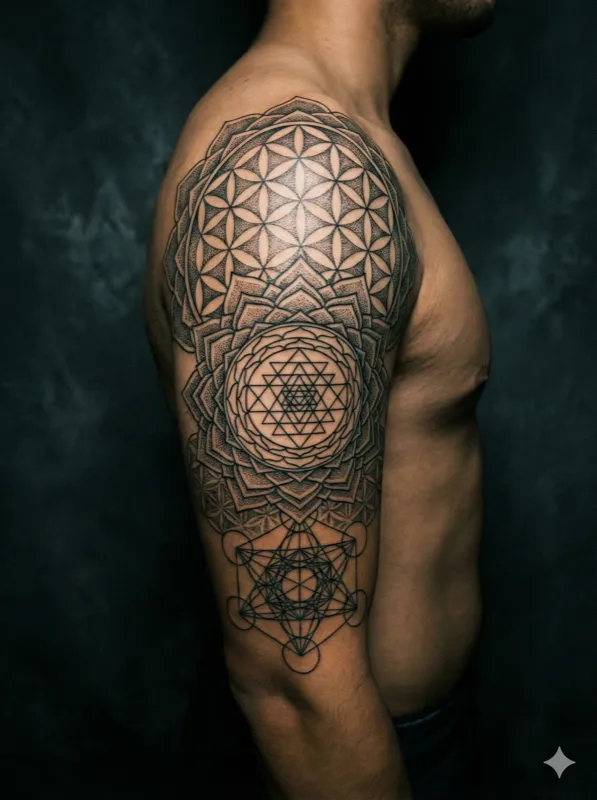
Sacred geometry, mandalas and mathematical patterns. Clean lines and precise symmetry.
Open generator →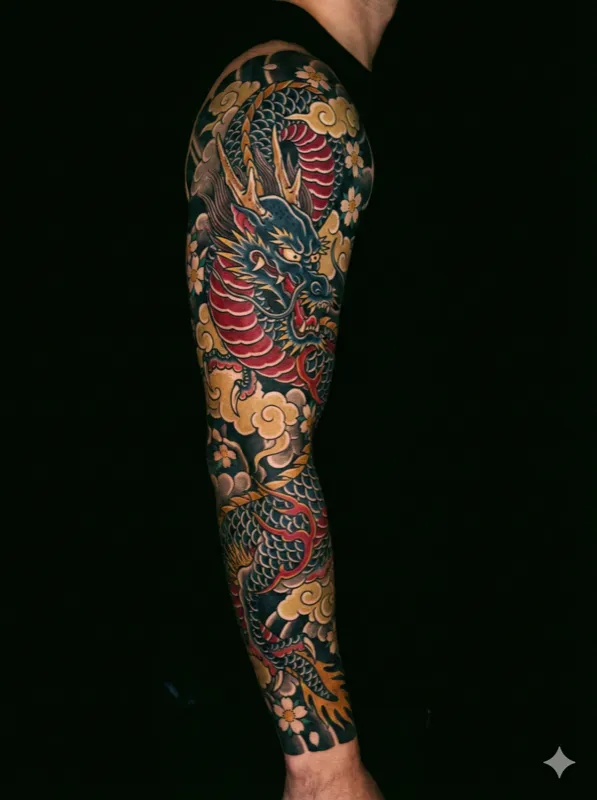
Dragons, koi, cherry blossoms and mythological figures in flowing compositions.
Open generator →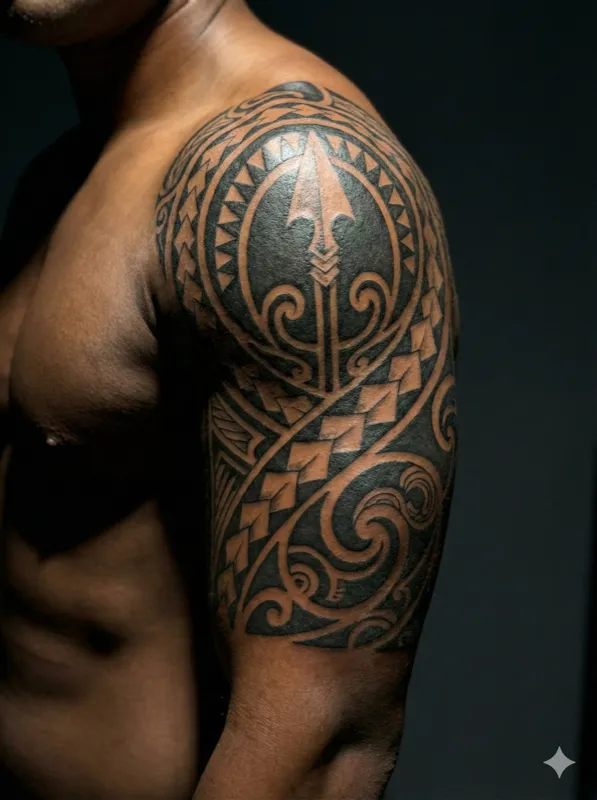
Bold black patterns inspired by Polynesian, Maori and indigenous art.
Open generator →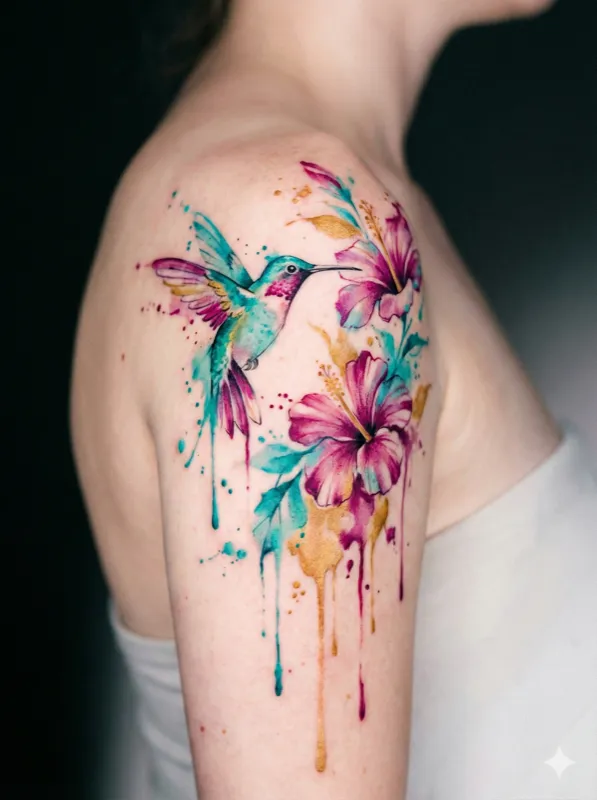
Painterly splashes, colour bleeds and soft gradients on a fine line anchor.
Open generator →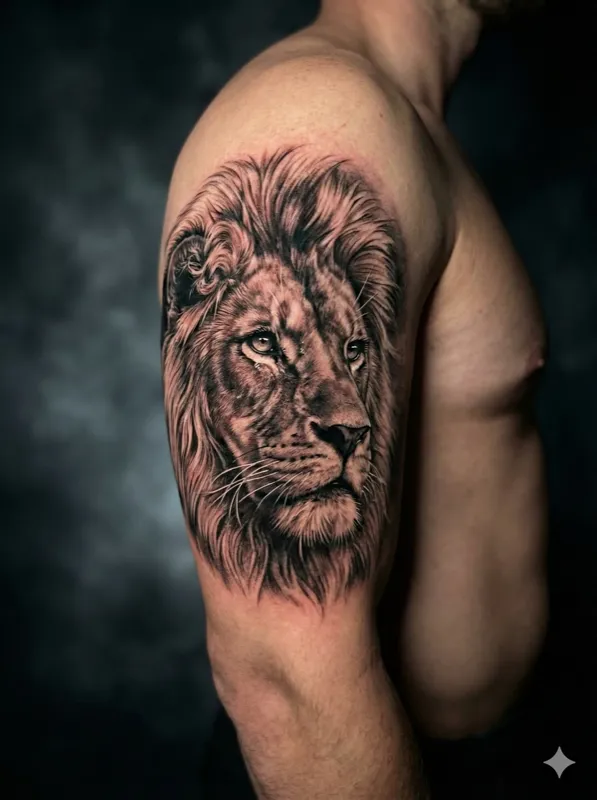
Photorealistic animals, objects and scenes, usually in black-and-grey.
Open generator →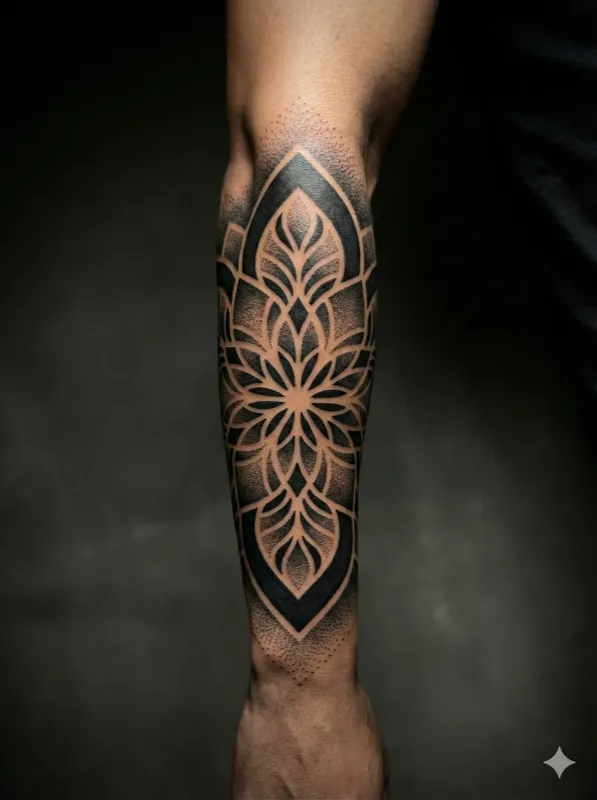
Bold solid black designs: dotwork, ornamental patterns and large graphic pieces.
Open generator →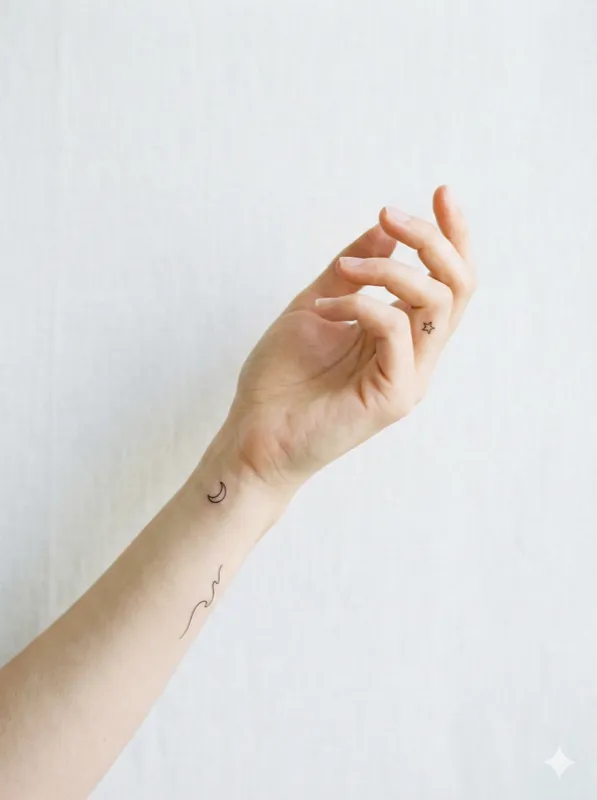
Simple, clean designs: small symbols, single-line drawings and subtle placement.
Open generator →The practical questions that come after the design: cost, pain, placement and healing.
What to decide before you book, what happens in the chair, and how to show up prepared.
Read guide →How each body area handles size, visibility, movement and ageing.
Read guide →Pain by body area, why it varies, and how to plan a long session.
Read guide →How artists price work, and what drives a quote up or down.
Read guide →Day-by-day healing: the first 24 hours, the peeling phase and long-term care.
Read guide →What common motifs traditionally stand for, so your design says what you mean.
Read guide →Describe the tattoo you want, pick a style and a placement, and the model draws a clean tattoo design on a white background. In Body preview mode you can also upload a photo of your own arm, back, leg or other body area and get an AI illustration of the design on that skin.
AI generation uses credits: a design from text costs 2 credits and a body preview costs 4. A one-time Credit Pack is $4.99 for 12 credits and needs only your email, no account; Pro plans start at $29.99 a month. The local placement study (moving a sample flower over your photo in the browser) uses no credits. Details are on the pricing page.
Nine: Fine Line, Blackwork, Japanese, Traditional, Minimalist, Geometric, Watercolor, Tribal and Realism. You can also describe another look in your idea text; results outside the built-in styles are less predictable.
It takes skin tone, body contours and lighting into account, so it helps you judge size, placement and overall look. It is still an AI illustration, not a prediction: real ink, line weights and healing will differ, and your artist will adapt the design.
Yes. Download the image and share it as a starting reference. A good artist will redraw it for your skin and placement.
One JPG, PNG or WebP photo up to 10 MB, at least 160 pixels on each side. Use a well-lit photo of the body area only, and only photos of yourself or of someone who has given permission. The photo is re-encoded in your browser first, which removes location and camera metadata.
For the local placement study the photo never leaves your browser tab. When you generate a body preview, the photo is uploaded to our storage and sent to the image model to create your result. It is not shown in the gallery or to other users. See the privacy policy for details.
Describe your idea, choose a style, and take the result to your artist.