Tattoo simulator.Try it on your skin first.
Upload a photo of the arm, back, chest or leg you have in mind, describe the tattoo, and see it rendered on your own skin tone and contours — before any of it is permanent.
- ✦ Free account
- ✦ Cancel anytime
- ✦ Private uploads
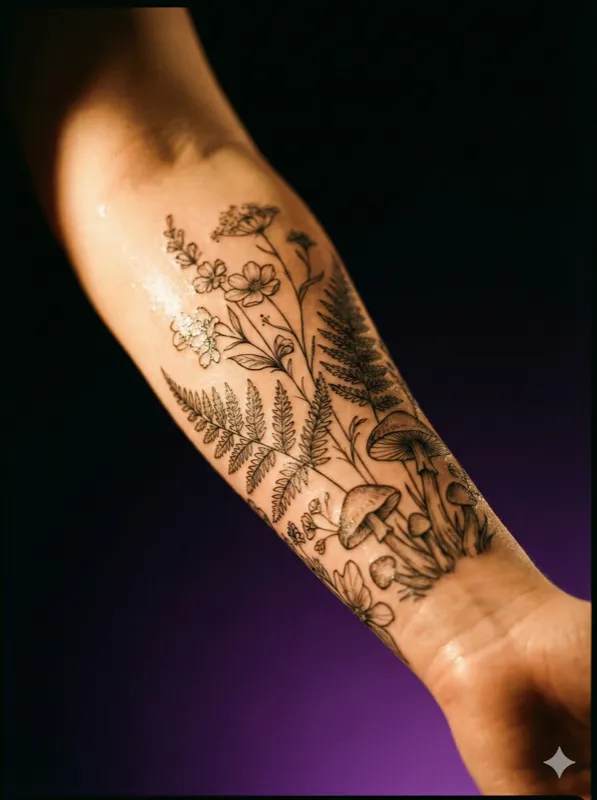
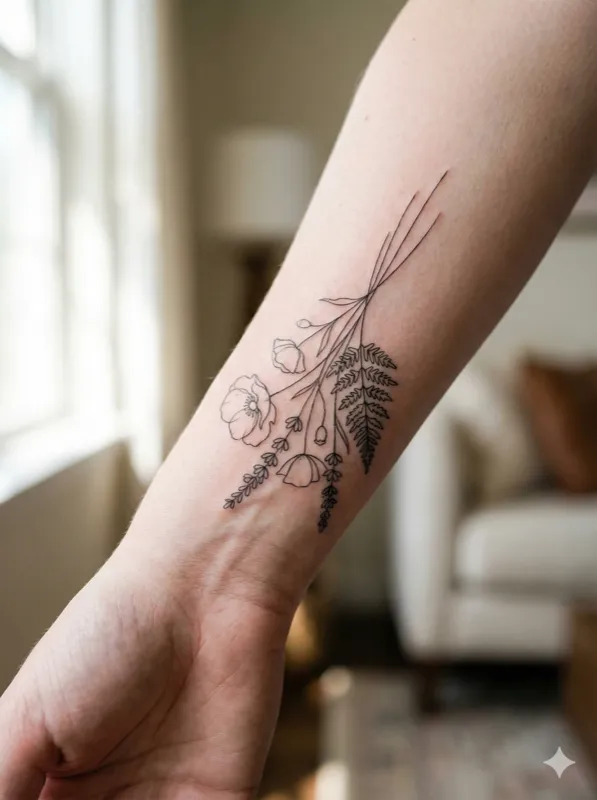
Fine-line botanical snake
“A delicate botanical snake wrapped around wildflowers”
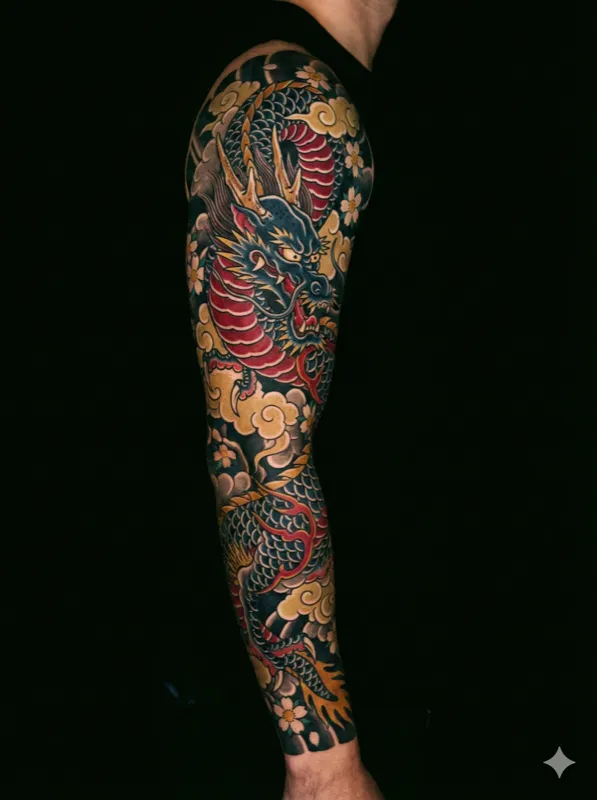
Japanese dragon sleeve
“A dragon coiling through wind bars and peony blossoms”
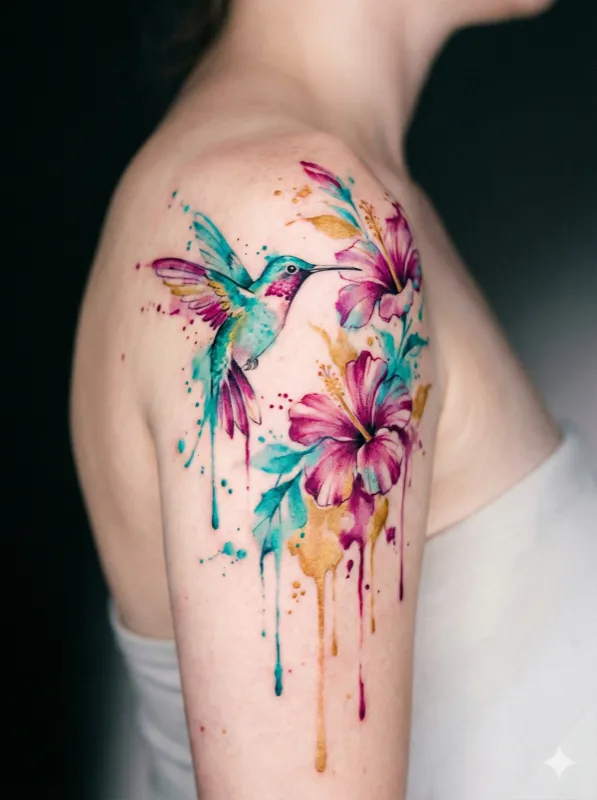
Watercolor hummingbird
“A hummingbird feeding from a trumpet flower”
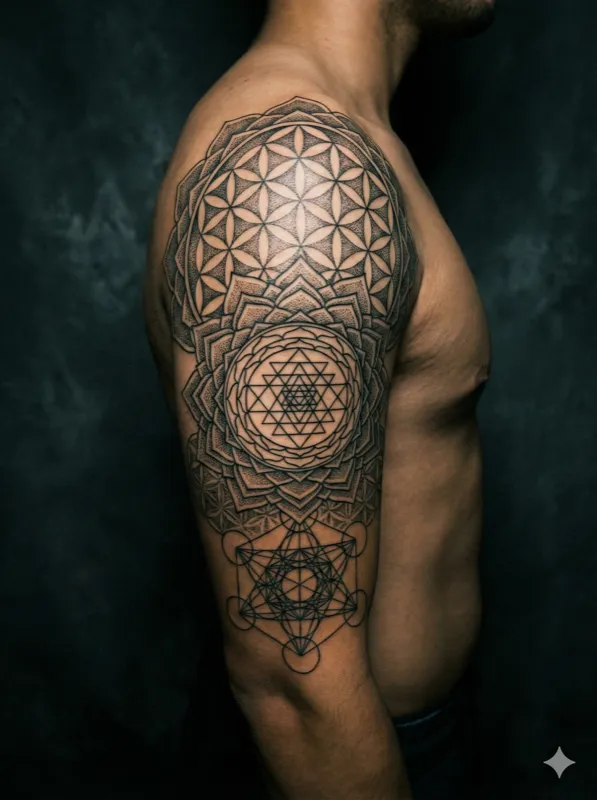
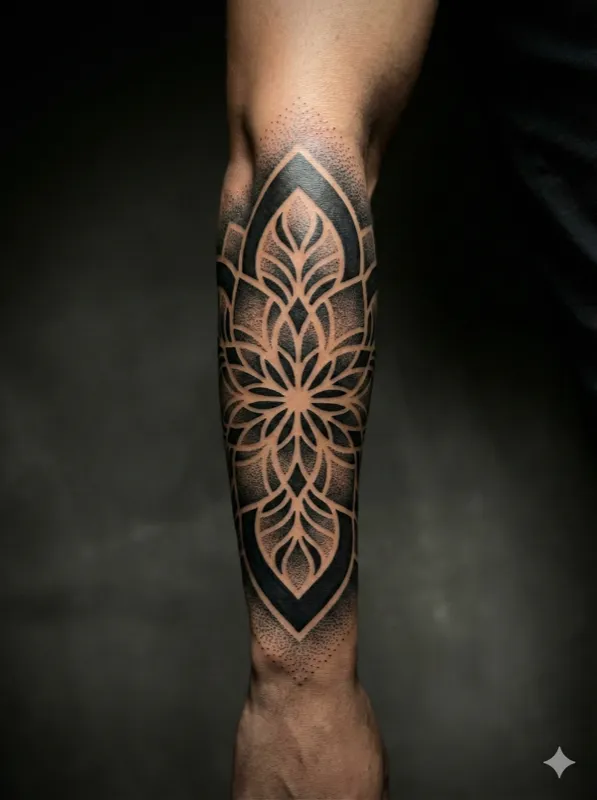
Geometric mandala
“A sacred geometry mandala with lotus petal motifs”
Your generated tattoo will appear here
Virtual Tattoo Try-On Features
The most realistic way to preview your tattoo before it's permanent.
Realistic Body Placement
Upload a photo of any body area — arm, back, chest, leg, wrist — and see the tattoo rendered naturally on your skin tone and contours.
Any Style, Any Size
Simulate tattoos in any style from delicate fine line to full sleeve coverage. Adjust scale and placement to find the perfect fit.
Instant Preview
No waiting for artist mockups. Generate a photorealistic tattoo preview and iterate as many times as you need.
Share with Your Artist
Download your simulation in 2K and share it directly with your tattoo artist as a reference for the real session.
Multiple Angles
Try different body placements and angles to find the perfect position for your tattoo before committing.
Skin Tone Matching
The AI adapts tattoo rendering to your natural skin tone for the most realistic preview possible.
How the Tattoo Simulator Works
Three simple steps to preview your tattoo.
1. Upload Your Photo
Take a photo of the body area where you want the tattoo. Well-lit photos with clear skin work best.
2. Describe Your Tattoo
Type a description of the tattoo you want to simulate, or choose from popular styles and designs in our library.
3. See the Result
Our AI generates a realistic simulation showing how the tattoo would look on your body. Download and share.
How to photograph the spot
The simulation is only as good as the photo you feed it. Four things make the difference.
Flat, even light
Daylight near a window beats a ceiling lamp. Hard shadows get read as skin texture and the ink ends up sitting on top of them.
Shoot the area straight on
Photograph the limb square to the camera rather than at an angle. A foreshortened forearm produces a design that looks stretched when you compare it to the real thing.
Bare skin, nothing in the way
Push the sleeve well clear, take off watches and bracelets. Anything overlapping the area gives the model an edge it will try to work around.
Fill the frame
Get close enough that the body area fills most of the photo. A full-body shot leaves too few pixels on the part that matters.
What a simulation can and cannot tell you
Useful for deciding. Not a substitute for the person holding the machine.
Good for scale and position
Whether a piece is too big for the forearm, whether it should sit higher on the shoulder, how it reads next to existing work — this is what a preview answers well.
Good for style comparison
Running the same idea as fine line, blackwork and realism side by side is far quicker here than asking an artist for three mockups.
Not a stencil
The output is reference material. Your artist still redraws it to fit your anatomy, and line weights get adjusted for how ink spreads over years.
Not a healing prediction
A simulation shows fresh ink. Real tattoos settle, soften and shift slightly with the skin — an experienced artist will tell you how a given design ages.
Tattoo Simulator FAQ
Common questions about our virtual tattoo try-on tool.
Our AI produces highly realistic simulations that account for skin tone, body contours, and lighting. The result is a photorealistic preview of how the tattoo would actually look.
You can simulate tattoos on any body area — arms, legs, back, chest, wrists, shoulders, hands, feet, ribs, and more. Simply upload a photo of the area.
Yes. Each simulation uses 4 credits, and you can generate as many variations as you want to compare different designs, styles, and placements.
We accept JPEG, PNG, and WebP images. For the best results, use a well-lit photo with clear, unobstructed view of the body area.
All simulations can be downloaded in 2K resolution, perfect for sharing with your tattoo artist as reference material for the actual session.
Try Your Tattoo Before It's Permanent
Upload a photo and see your dream tattoo on your body in seconds.